All work CASE STUDY — PACKAGING & PACKAGING GUIDELINES

A90

Android POS terminal. Packaging for ATOM × BVBank.
Client
ATOM × BVBank
Role & scope
Graphic Designer
Packaging design · Packaging guidelines
Artwork layout

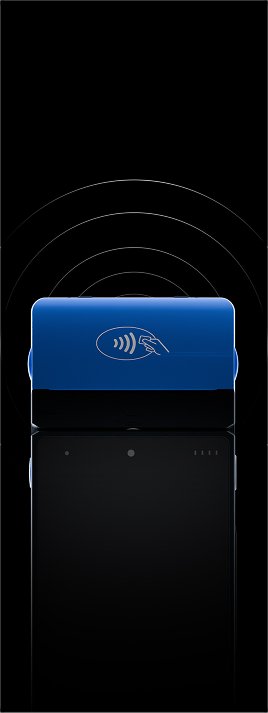
Packaging and packaging guidelines for the A90 Android POS terminal, a co-branded device from ATOM and BVBank. I completed all project design work except the existing Quick Start Guide, which was supplied.

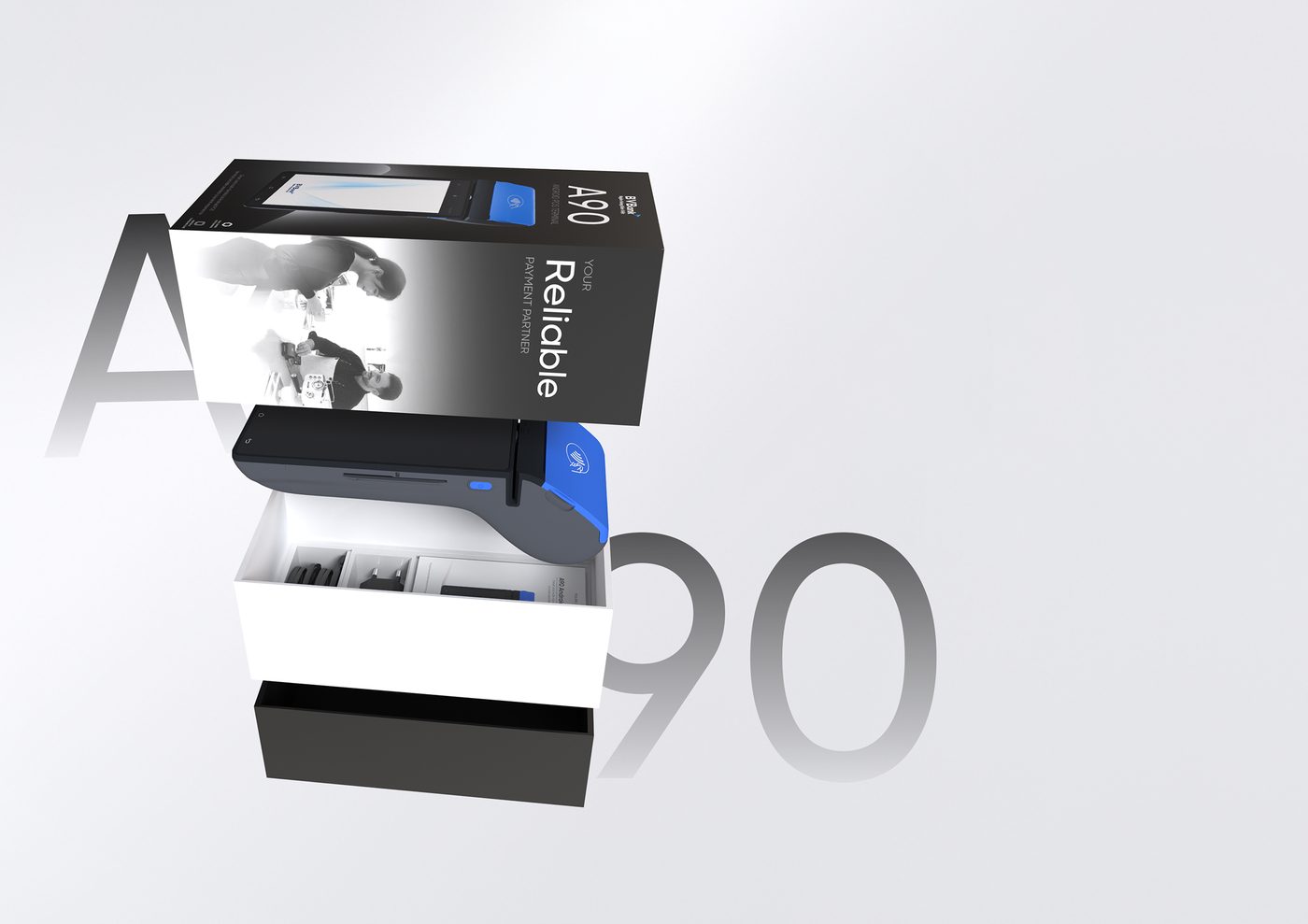
Exploded view of the A90 box: lid, device tray with the terminal, and base, in front of a large A90 numeral
Packaging structureLid, device tray and base
01Build elements

A quiet, monochrome base.

Black carries the brand and the layout; white carries the feature icons and the main language. Back panels use a radial gradient from light to dark, tuned to the color and finish of the device.

01LogoPartner logotype
02
  • PrimaryBlack
  • PrimaryWhite
  • Back panelRadial gradient
ColorBlack, white and a light-to-dark gradient
03
Gilroy Medium
Product name and main language
Gilroy Light
Descriptions and translations
TypographyOne family, two weights
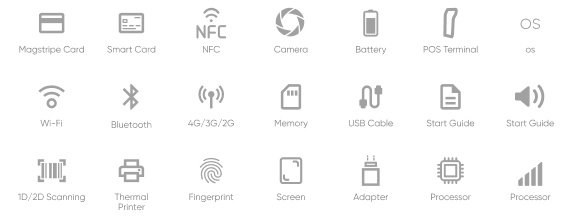
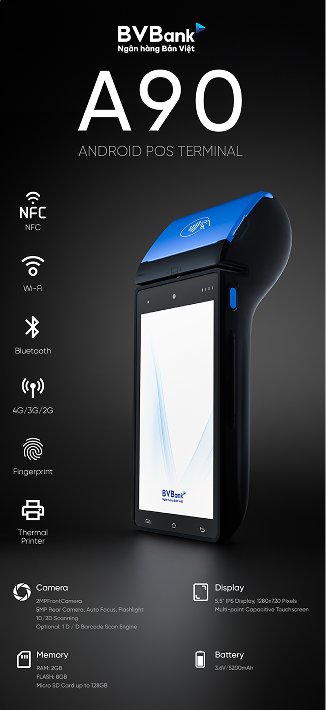
04Feature icon set: card readers, NFC, camera, battery, Wi-Fi, Bluetooth, 4G, memory, printer, fingerprint and moreIconsOne grid and stroke for every feature

Your reliable
payment partner.

The line printed on the box. Its clean, square form and neutral palette are there to say the same thing.

02Out of box

As solid as what’s inside.

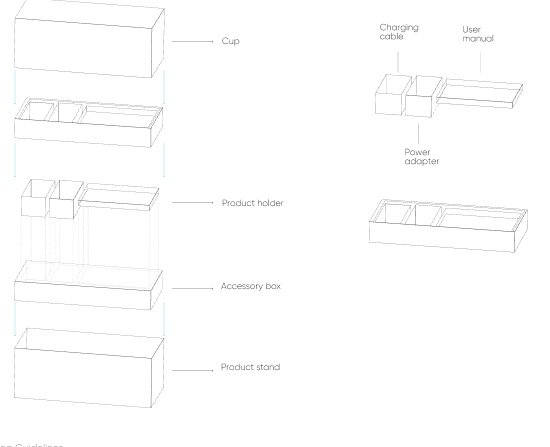
A square form with sharp edges and a glossy black finish. Inside, a layered structure holds the terminal, its accessories and documents, and protects them in transport and storage.

  1. 01Cover
  2. 02Device tray
  3. 03Accessories
  4. 04Documents
  5. 05Protective layer
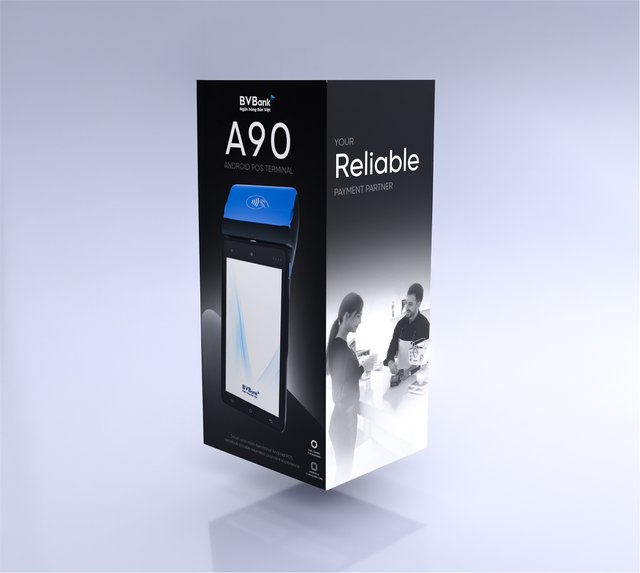
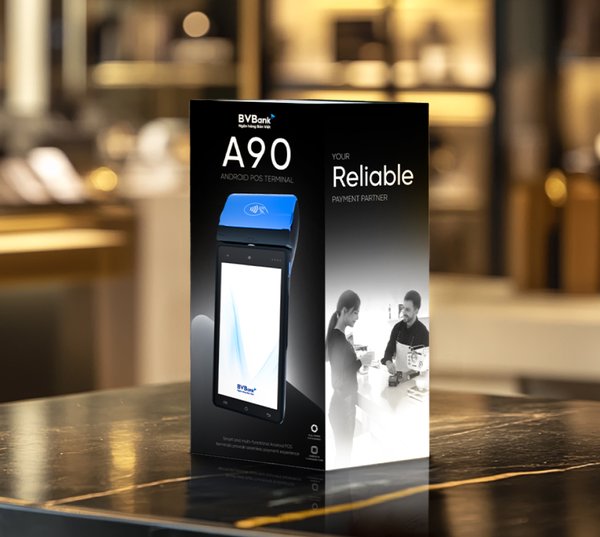
Standing A90 box with the terminal on the front panel and the line Your Reliable on the side
The boxFront and side panels
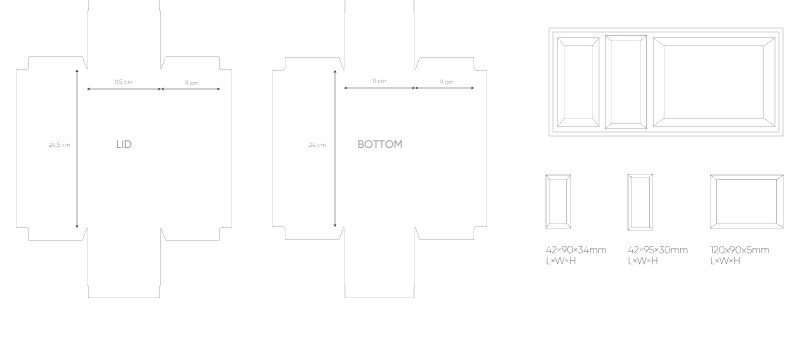
Dielines for the lid and the bottom of the box, with the insert compartments
DielinesLid, bottom and insert
Exploded structure: cup, product holder, accessory box and product stand; accessory box with charging cable, power adapter and user manual
StructureLayers and accessory box
Box
24.5 × 11.5 × 9 cm
Inner tray
23.8 × 10.8 × 3.5 cm
Unit
L × W × H
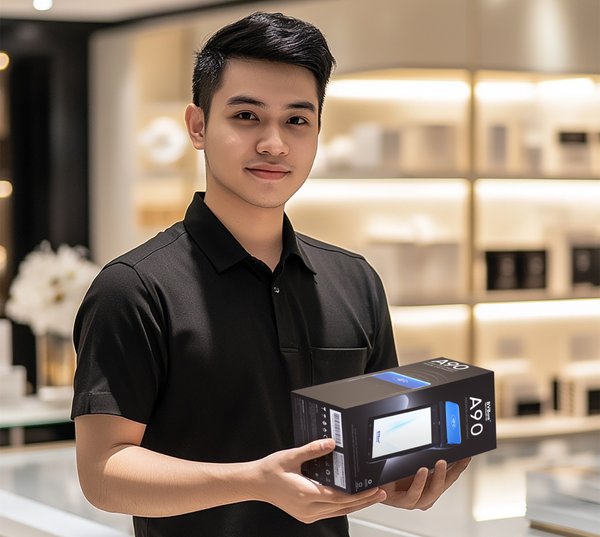
A store assistant holding the A90 box in a bright retail space
In storeHand-off
The A90 box standing on a dark marble counter
On the counterGlossy black finish
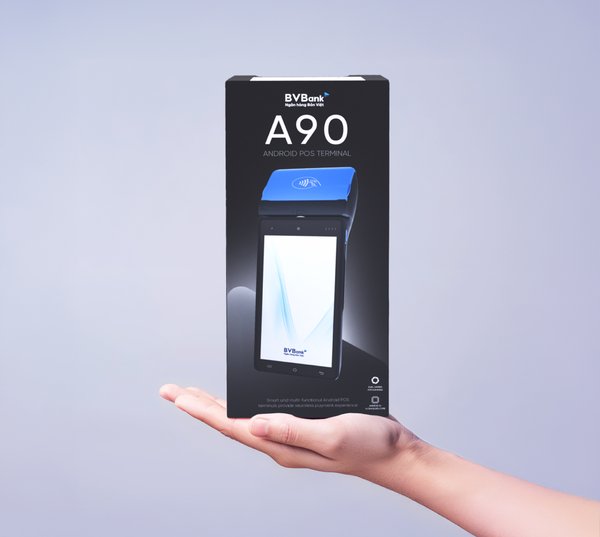
The A90 box balanced on an open hand
In handScale and proportion
03Artwork layout

Every panel has a job.

The front carries the product name, a render and the brand stripe. The back adds feature icons and technical details. The sides carry the A90 mark and the line. Every panel follows the same grid and fixed margins across box sizes.
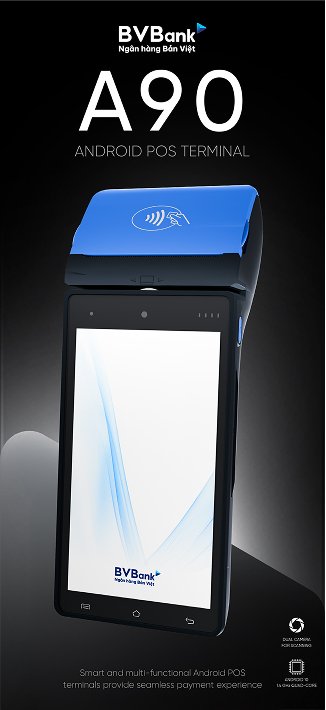
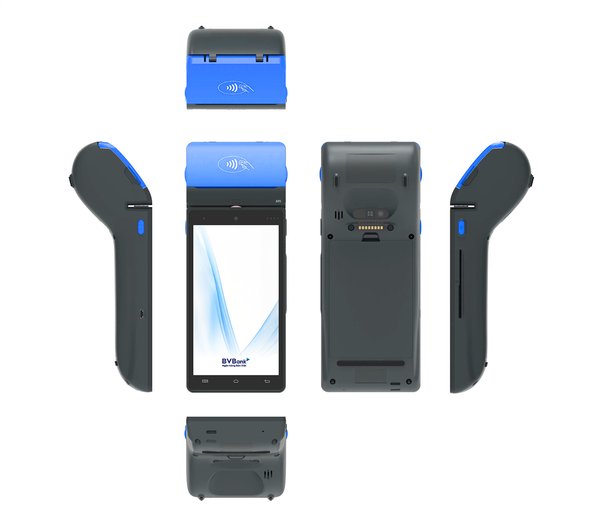
Orthographic views of the A90 terminal: top, front, back, both sides and bottom
Product rendersViews used across the panels
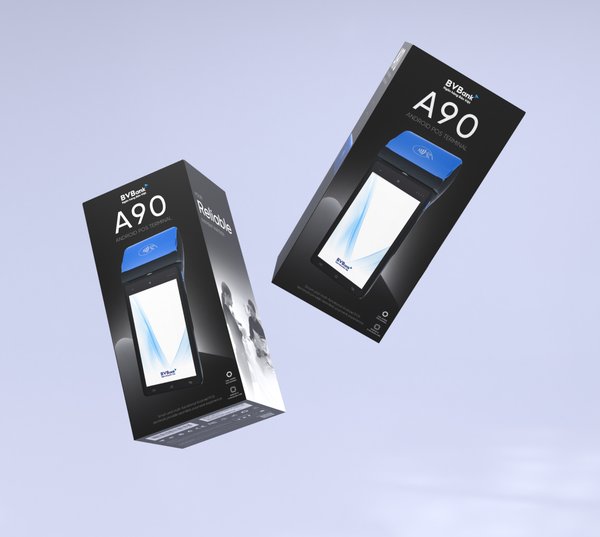
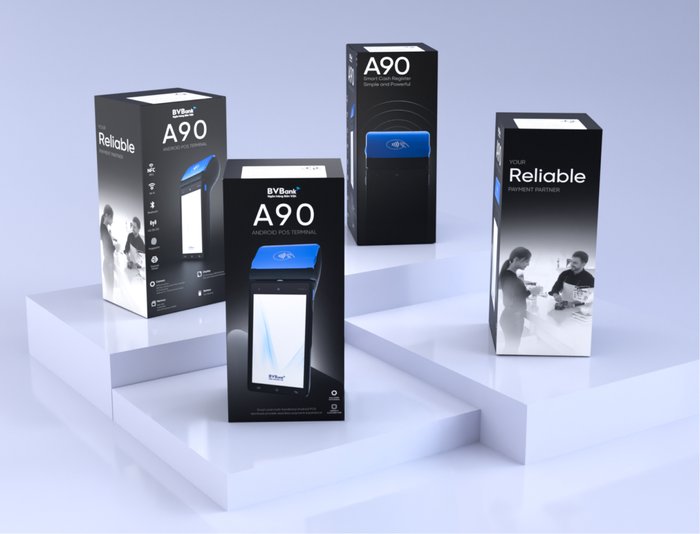
Two A90 boxes floating against a pale lilac background
Front and sidePanels working together
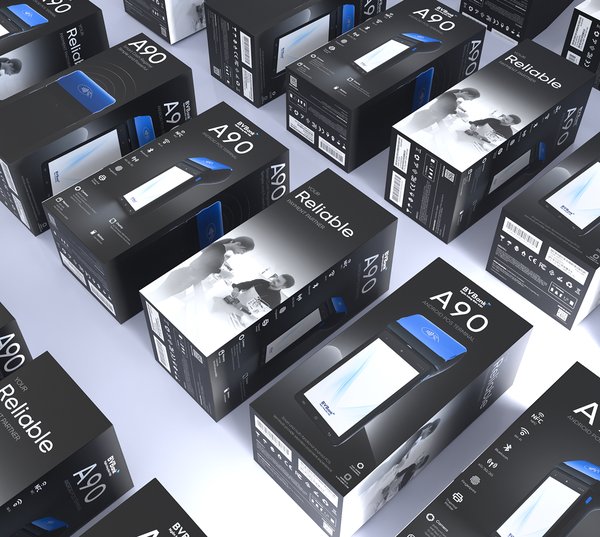
Rows of A90 boxes seen from above, showing every panel of the system
360° overviewThe full system, side by side
04Accessories

Small print, part of the set.

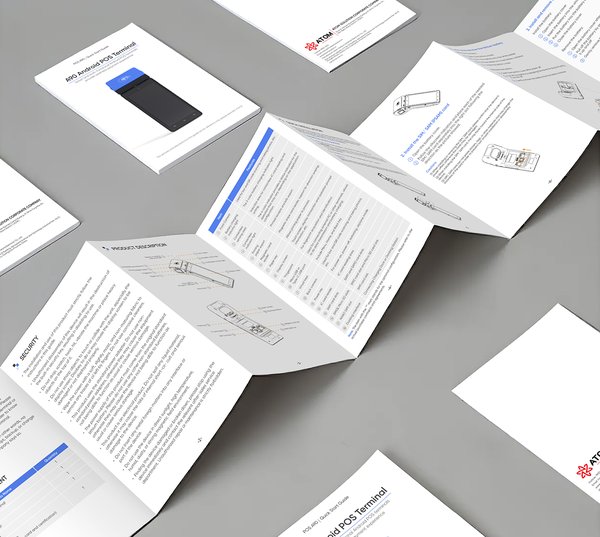
The existing Quick Start Guide was supplied for the project. The booklet measures 126 × 86 mm and can run vertically or horizontally, depending on the product and how much it has to say.
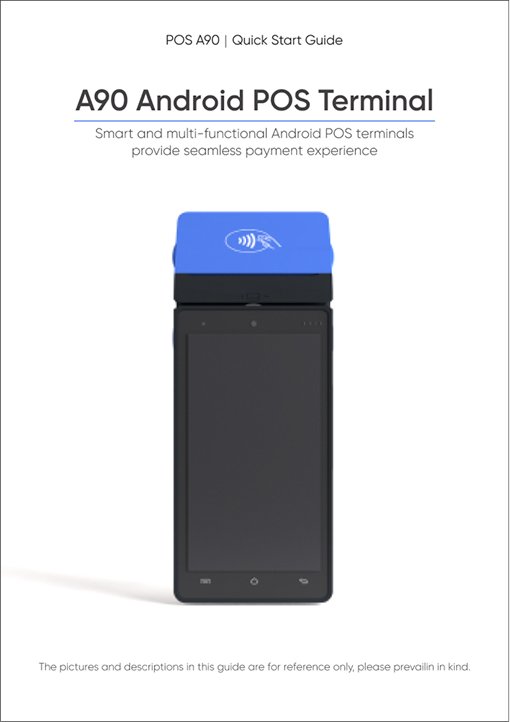
Quick start guide cover: A90 Android POS Terminal
Quick start guideCover
The quick start guide unfolded on a gray surface
Quick start guideFolded spreads
Four A90 boxes on white plinths, showing front and side panels
The familyFront and side panels
Next projectFLOKYN